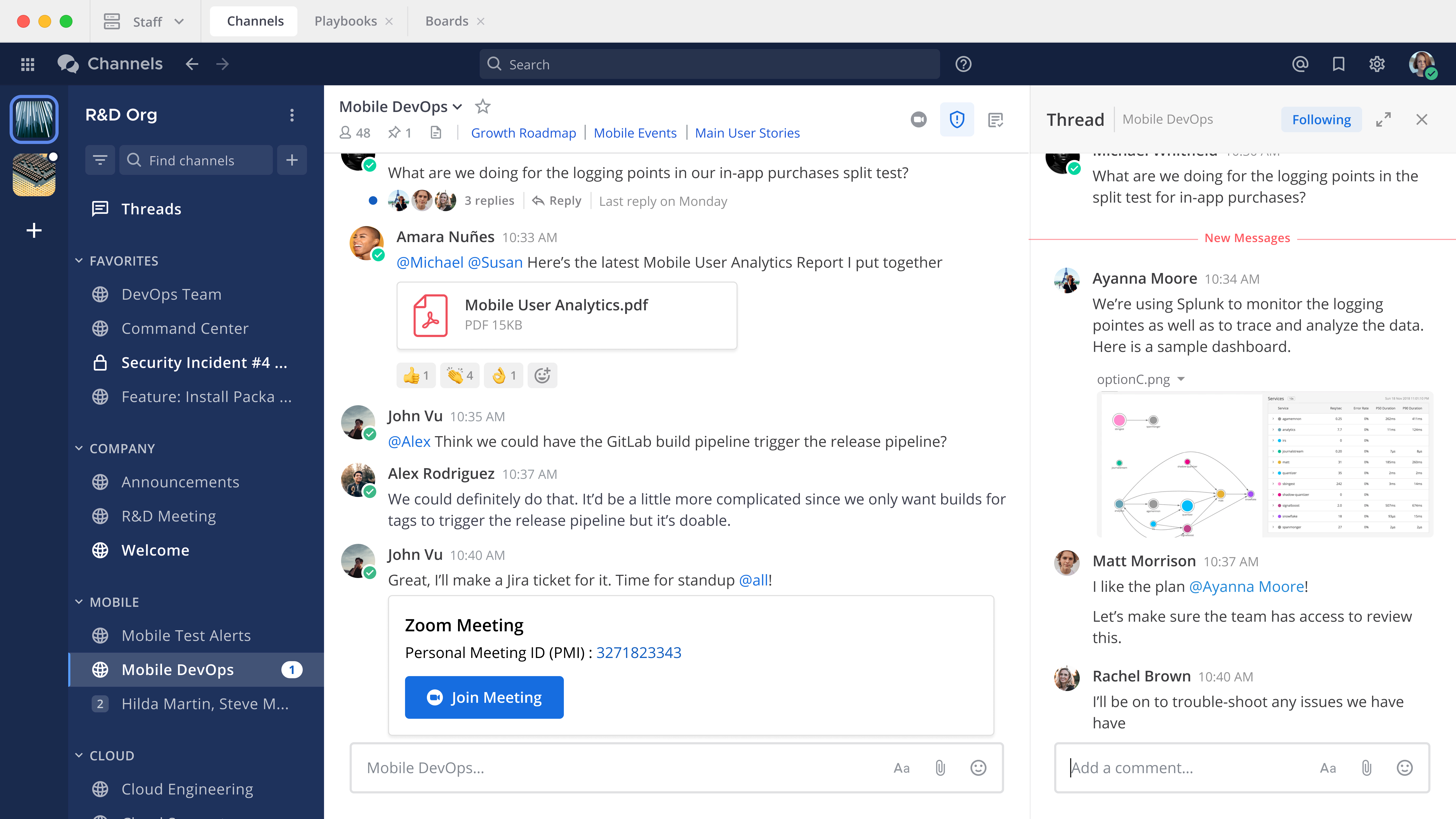
End User Guide
If you're using Mattermost to connect and collaborate, build repeatable, automated processes, and making Mattermost match your work preferences, this Mattermost end user product documentation is for you.
In this documentation, you'll learn about using Mattermost. Your Mattermost system admin has deployed Mattermost for your organization. A live Mattermost instance is ready for you to log into using your user credentials. Your Mattermost workspace is where you'll send and receive messages, see activity notifications, create, run, and participate in playbook runs, and where you'll customize look and feel through workspace preferences.
- Access your workspace - Learn how to access Mattermost using web, desktop, or mobile apps, and authenticate with your credentials.
- Collaborate - Learn how to use Mattermost to connect and collaborate with your teammates through channels, messages and threads, and audio calls with screen sharing.
- Workflow Automation - Learn how to use Mattermost Playbooks to build repeatable processes, move faster, and make fewer mistakes with checklist-based automations.
- AI Agents - Learn how to use AI agents to help you make decisions, find information, and automate repetitive tasks.
- Project Management - Learn how to use Mattermost Boards to coordinate operational work with Kanban-style planning.
- Preferences - Learn how to make Mattermost match the way you prefer to work.
- View system information - Check your Mattermost version and server details when you need them for troubleshooting or a support request.