Navigate channels
Navigate between channels
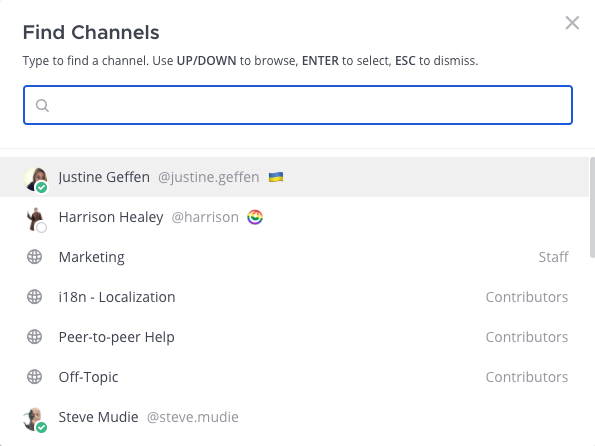
Using Mattermost in a web browser or the desktop app, you can navigate between channels by selecting the Find channel option in the channel sidebar, or by pressing Ctrl K on Windows or Linux, or ⌘ K on Mac. The Find channels screen also displays member availability at a glance.
Return to recently viewed channels
Using a web browser or the desktop app, use the History arrows at the top of the sidebar to move back and forth through your channel history.
- Select the left arrow to go back one page.
- Select the right arrow to go forward one page.