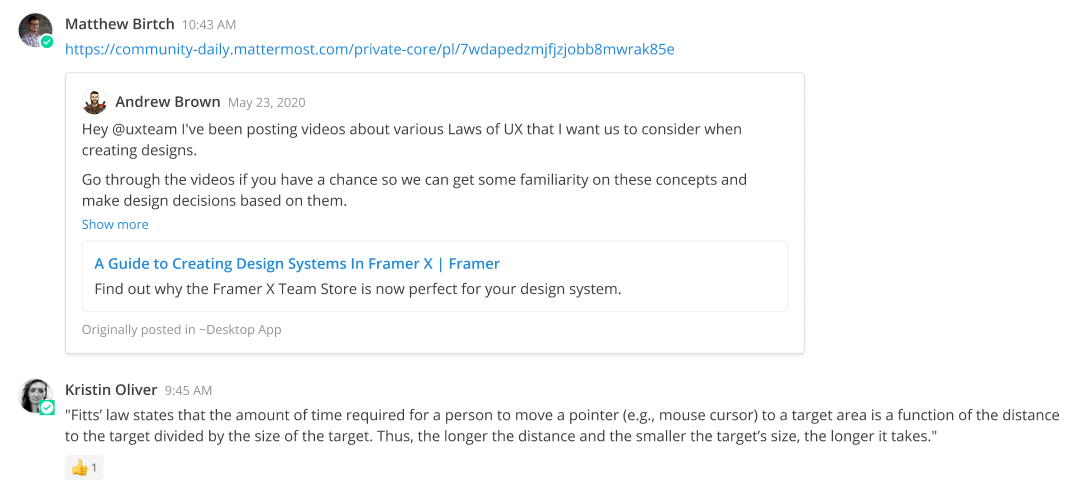
Forward messages
From Mattermost v7.2, using a web browser or the desktop app, you can forward messages in public channels to other public channels. From Mattermost v7.5, you can also forward messages from bots and webhooks.
To forward a message:
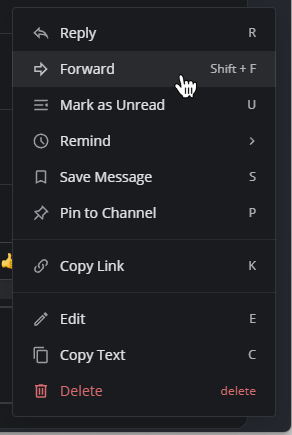
- Select the More
 icon next to a message, then select Forward.
- Specify where you want to forward the message, and include an optional comment.
Forwarding a message also generates a preview of the message.