Convert public channels to private channels
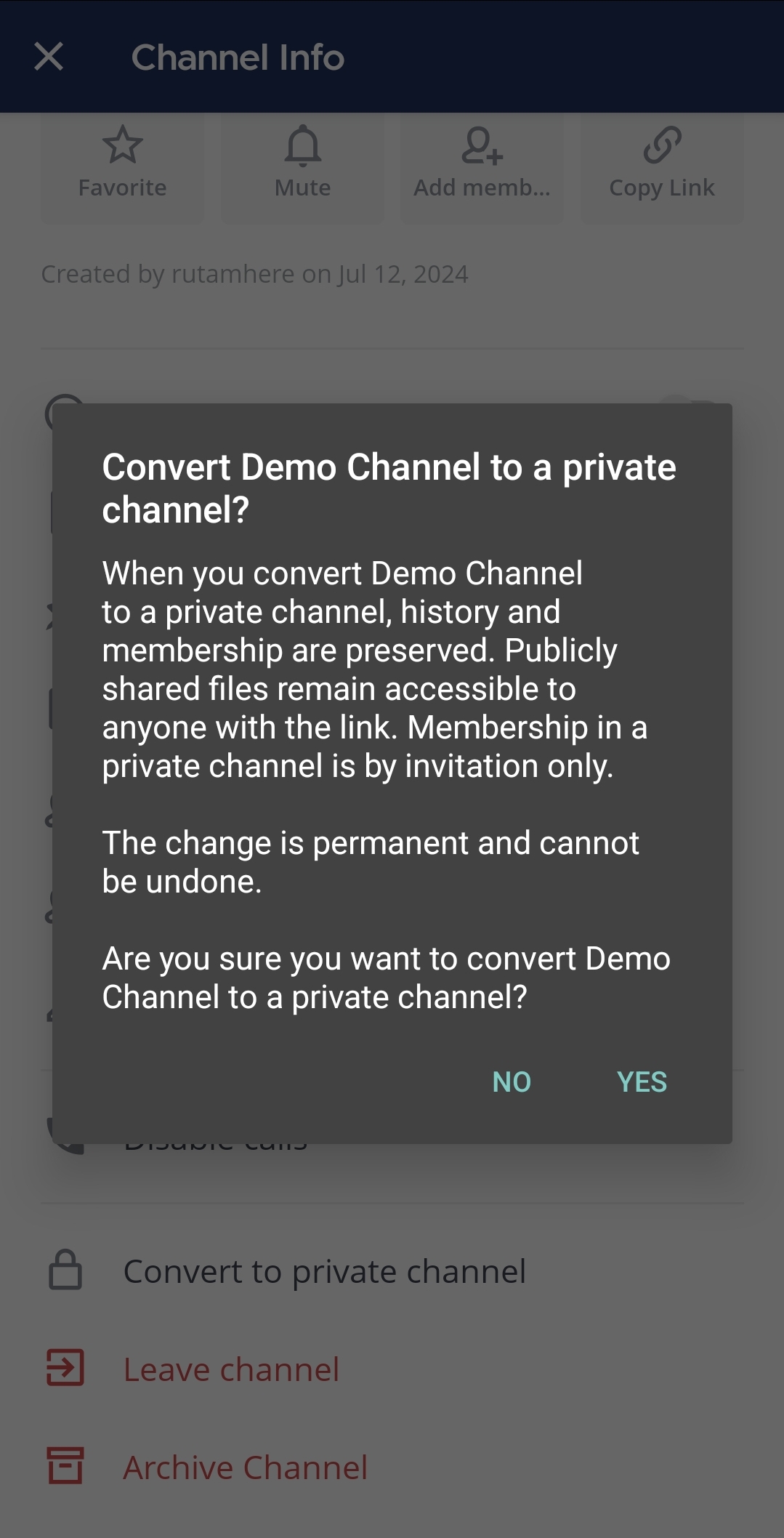
You must be a system admin or team admin to convert public channels to private channels. When a channel is converted from public to private, its history and membership are preserved. Membership in a private channel remains as invitation only. Publicly-shared files remain accessible to anyone with the link.
- Web/Desktop
- Mobile
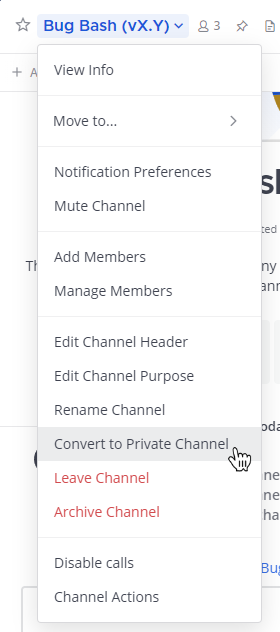
To convert a public channel to a private channel, select the public channel name at the top of the center pane to access the drop-down menu, then select Convert to Private Channel.
To convert a public channel to a private channel:
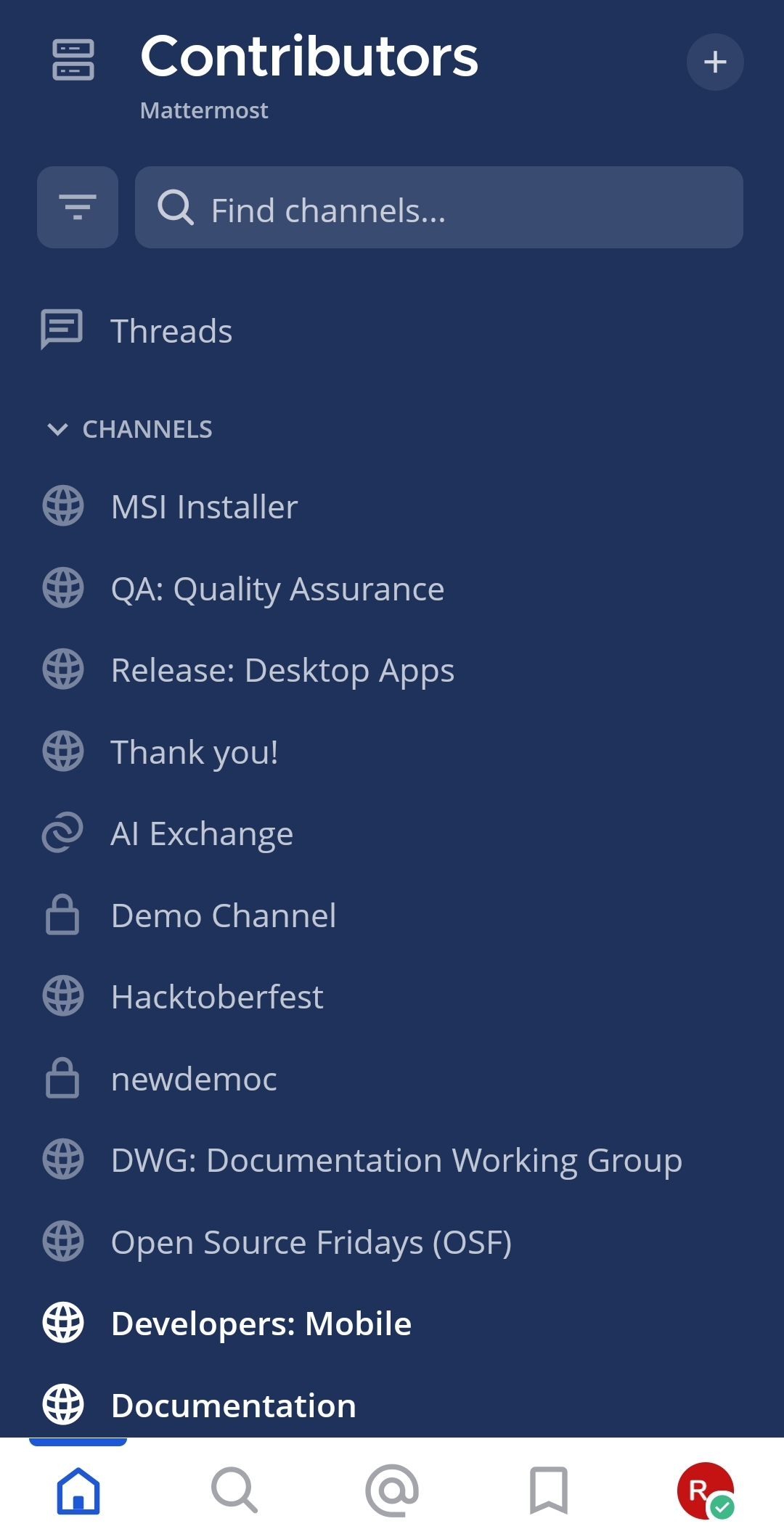
- Tap the channel you want to convert.
- Tap the More
 icon located in the top right corner of the app.
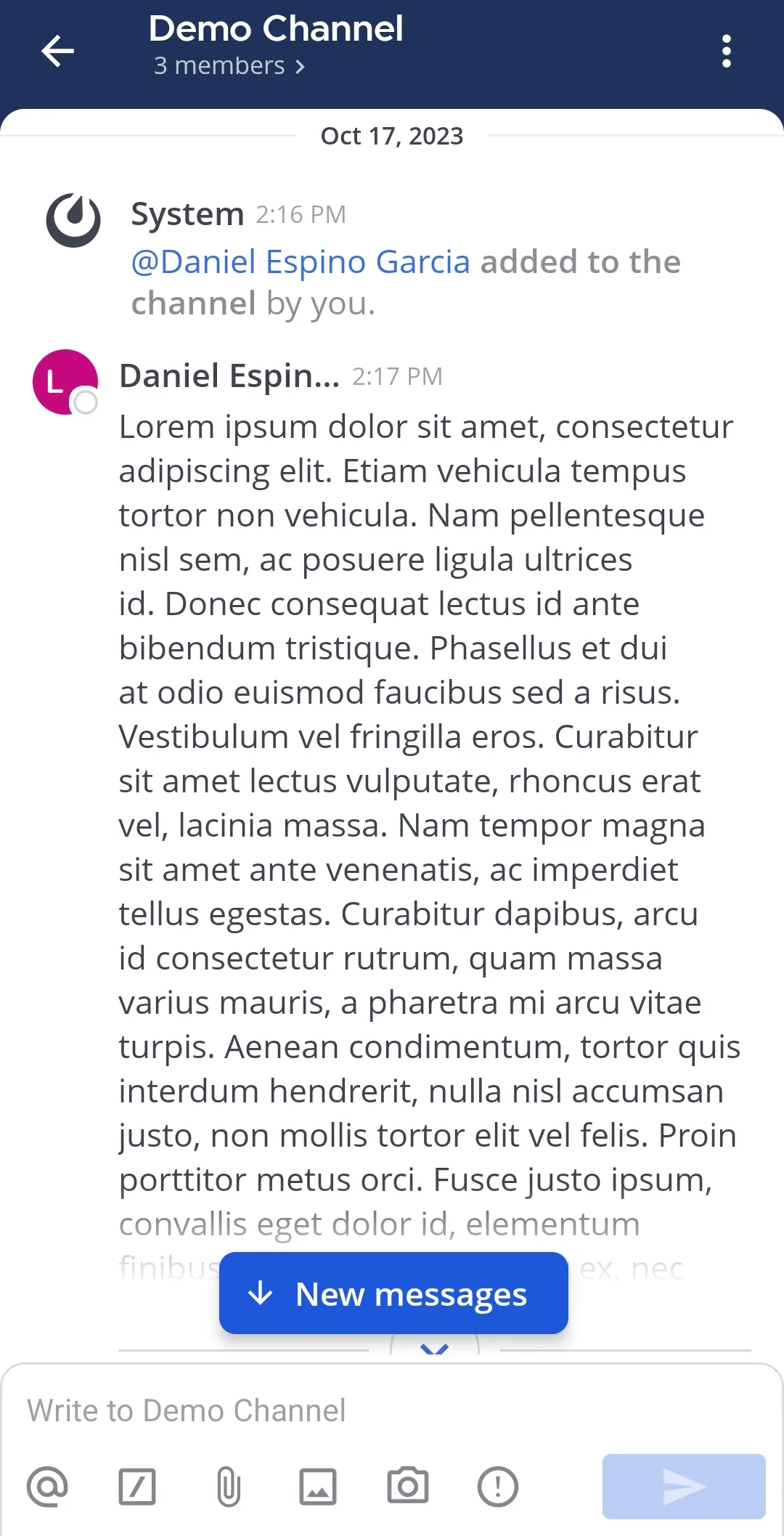
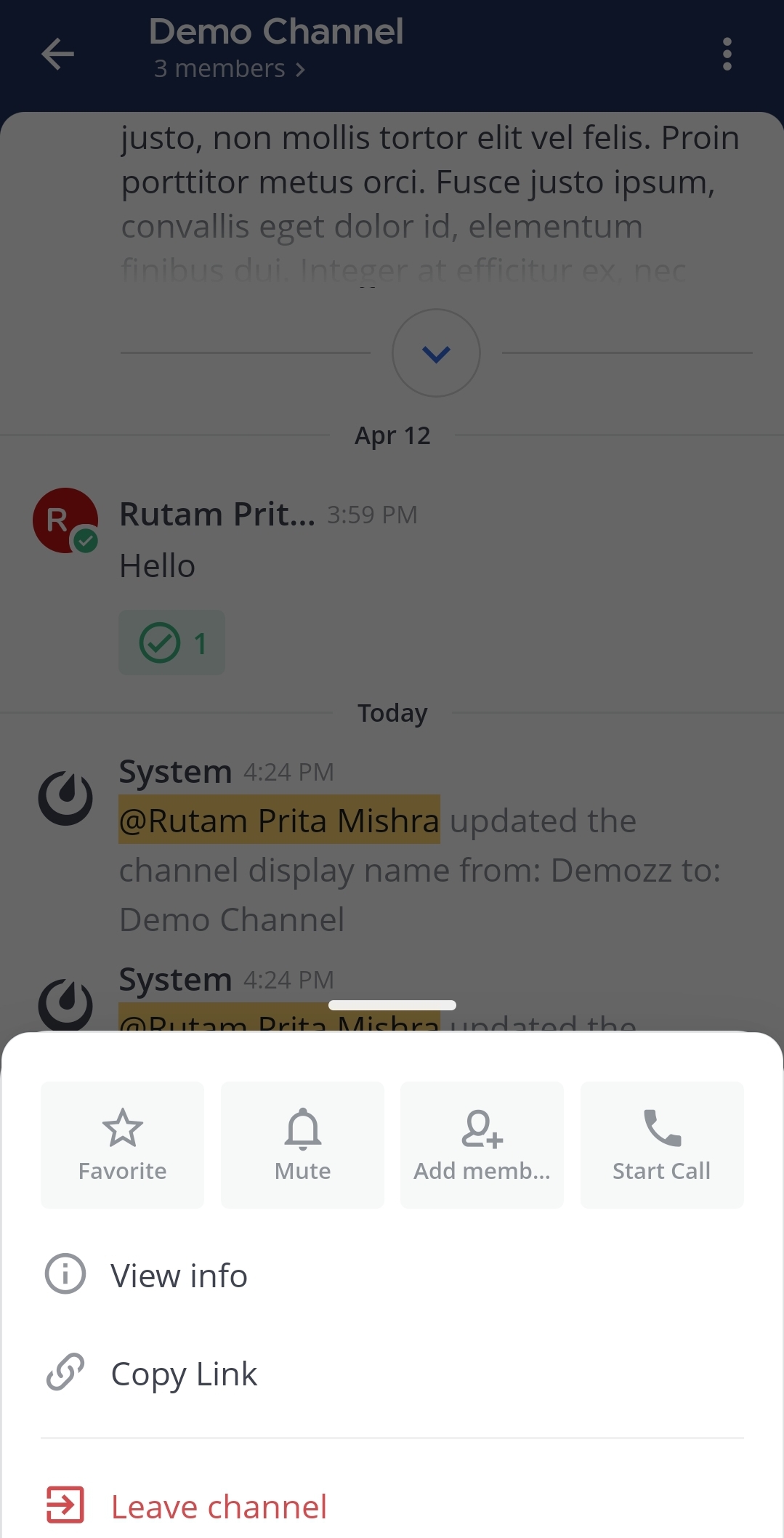
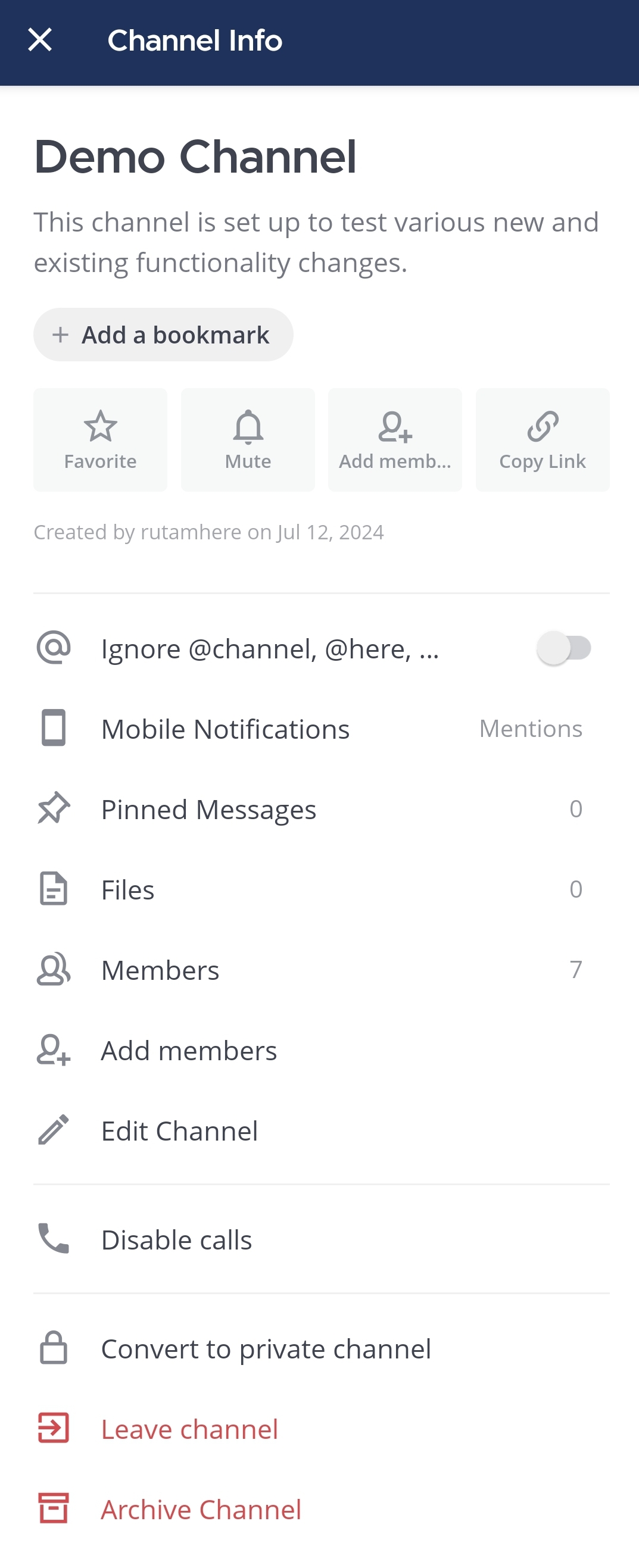
- Tap View info.
- Tap Convert to private channel.
- Tap Yes to confirm.
Convert private channels to public channels
Due to potential security concerns with sharing private channel history, only system admins can convert private channels to public channels using the System Console.
- Go to System Console > Channels.
- Select Edit for an existing private channel. You can also filter the list of channels to private channels only.
- Under Channel Management > Public channel or private channel, select Private.
- Select Save.