Convert group messages to private channels
From Mattermost v9.1, you can change the members of your group conversation by converting the group message to a private channel. When a group message is converted to private, its history and membership are preserved. Membership in a private channel remains as invitation only.
- Web/Desktop
- Mobile
- Select the group message name at the top of the center pane to access the drop-down menu, then select Convert to Private Channel.
- Specify the team where the new private channel will be created. You're prompted to specify a team when all group message members share more than one team membership.
- Enter a channel name.
- Select Convert to private channel.
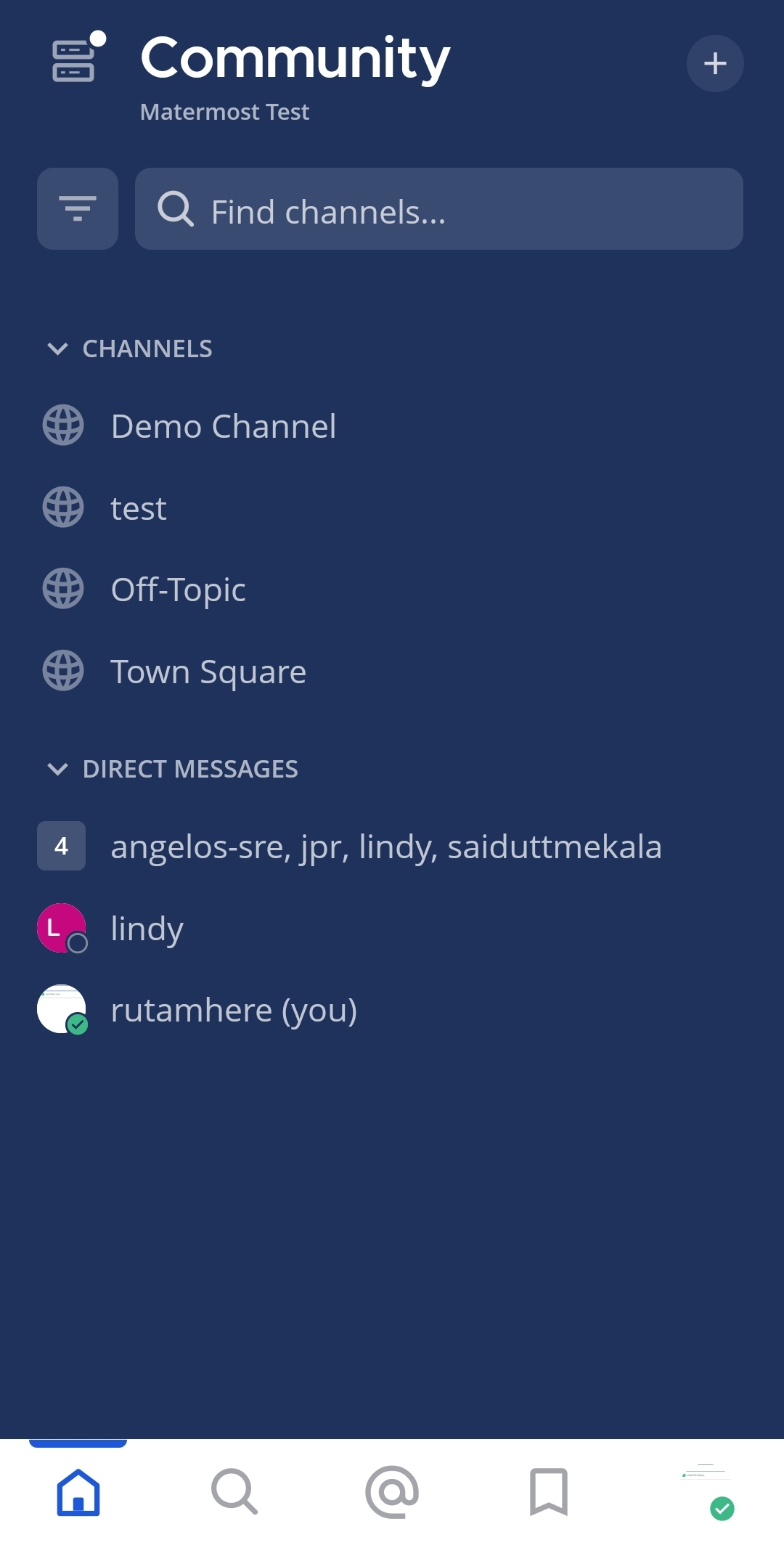
- Tap the group message you want to convert to a private channel.
- Tap the More
 icon located in the top right corner of the app.
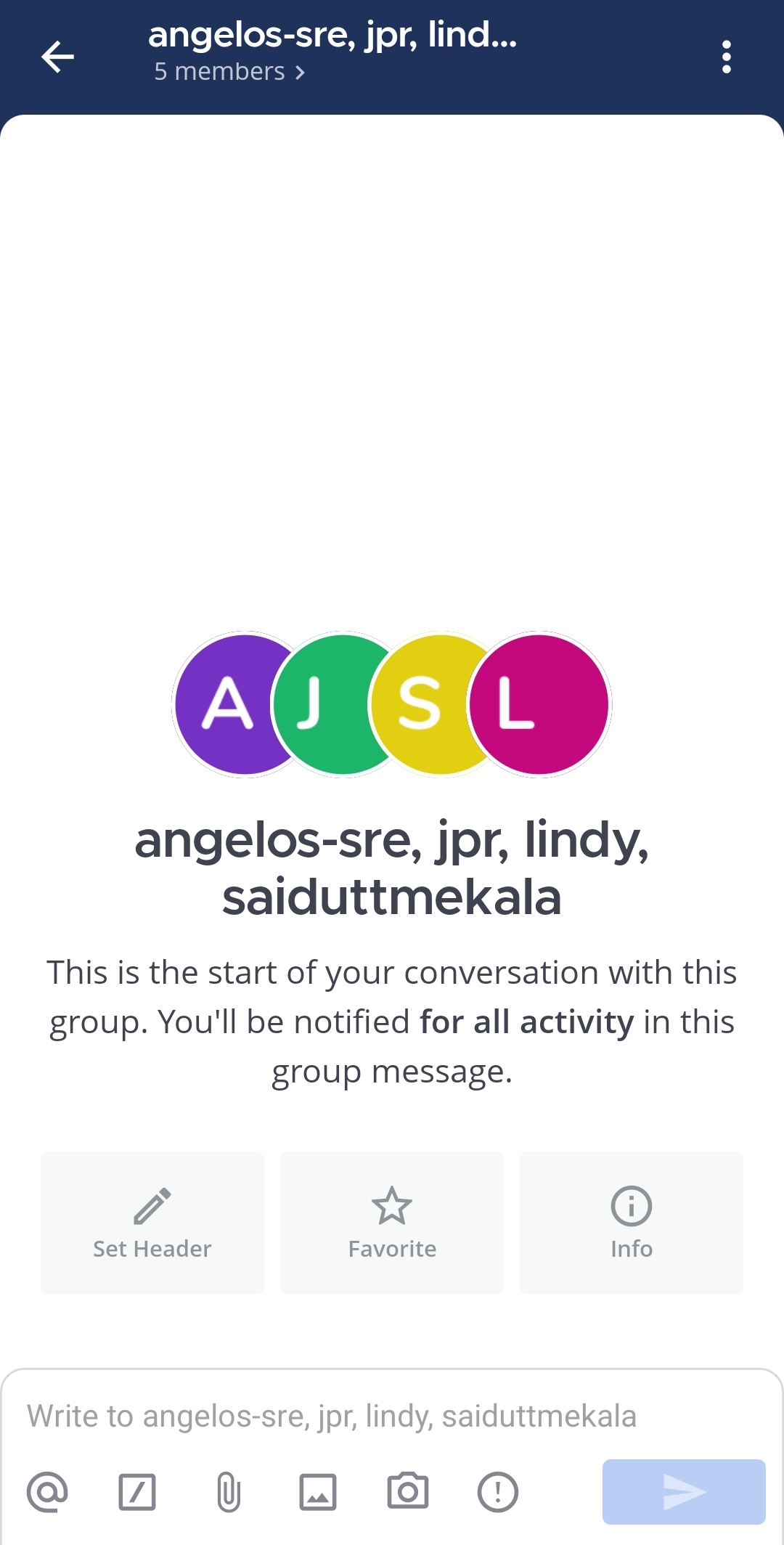
- Tap View info.
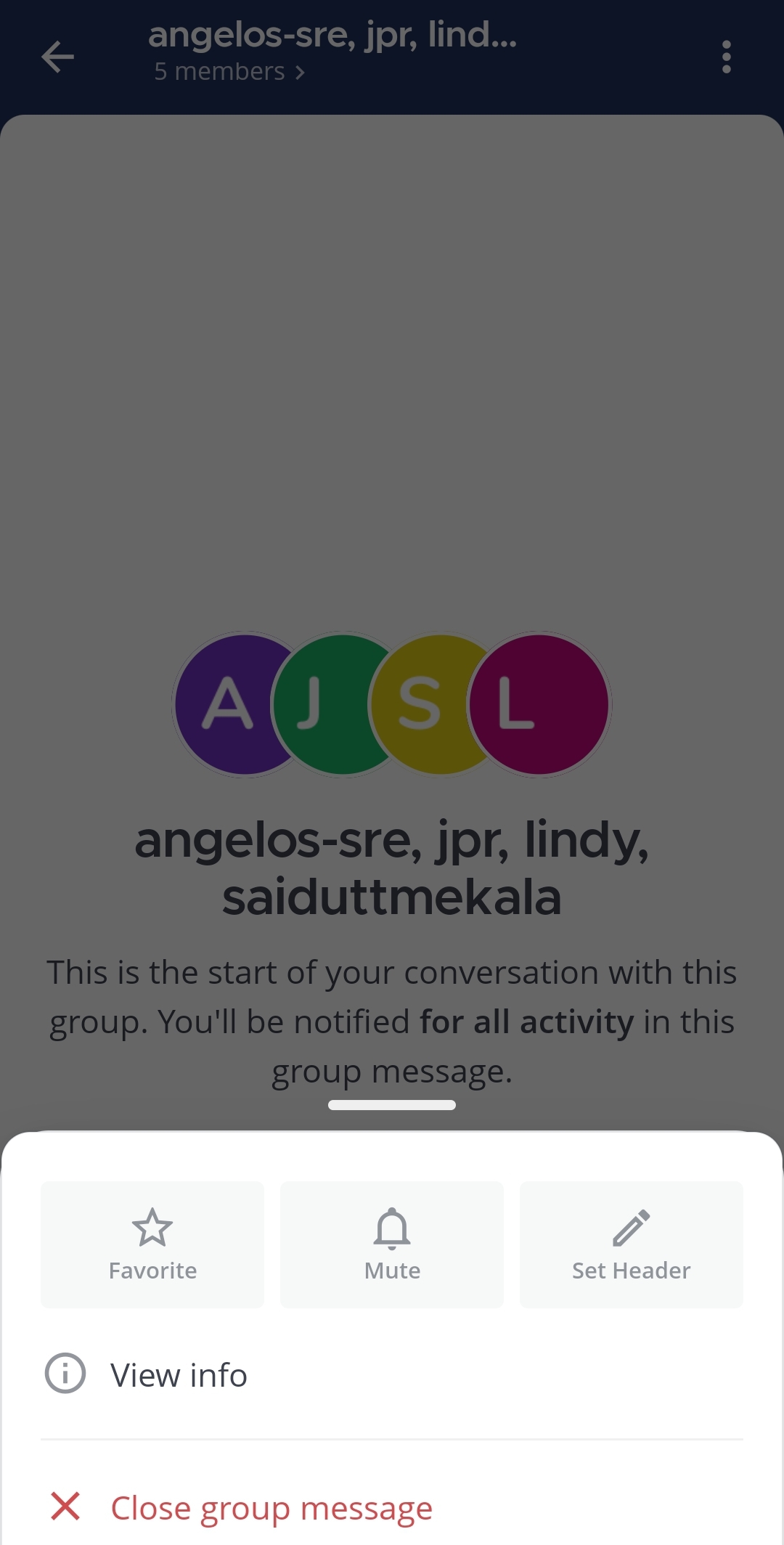
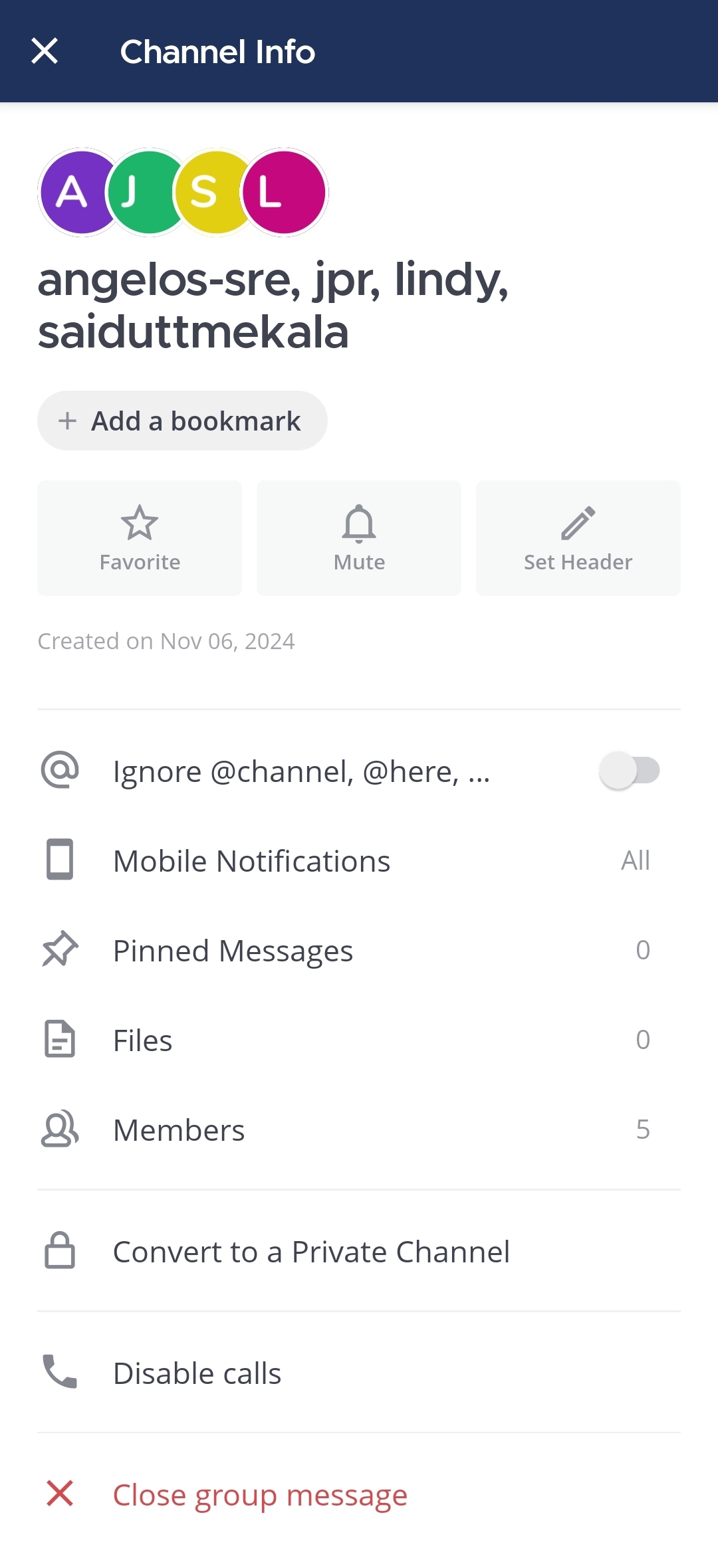
- Tap Convert to a Private Channel.
- Enter the private channel name.
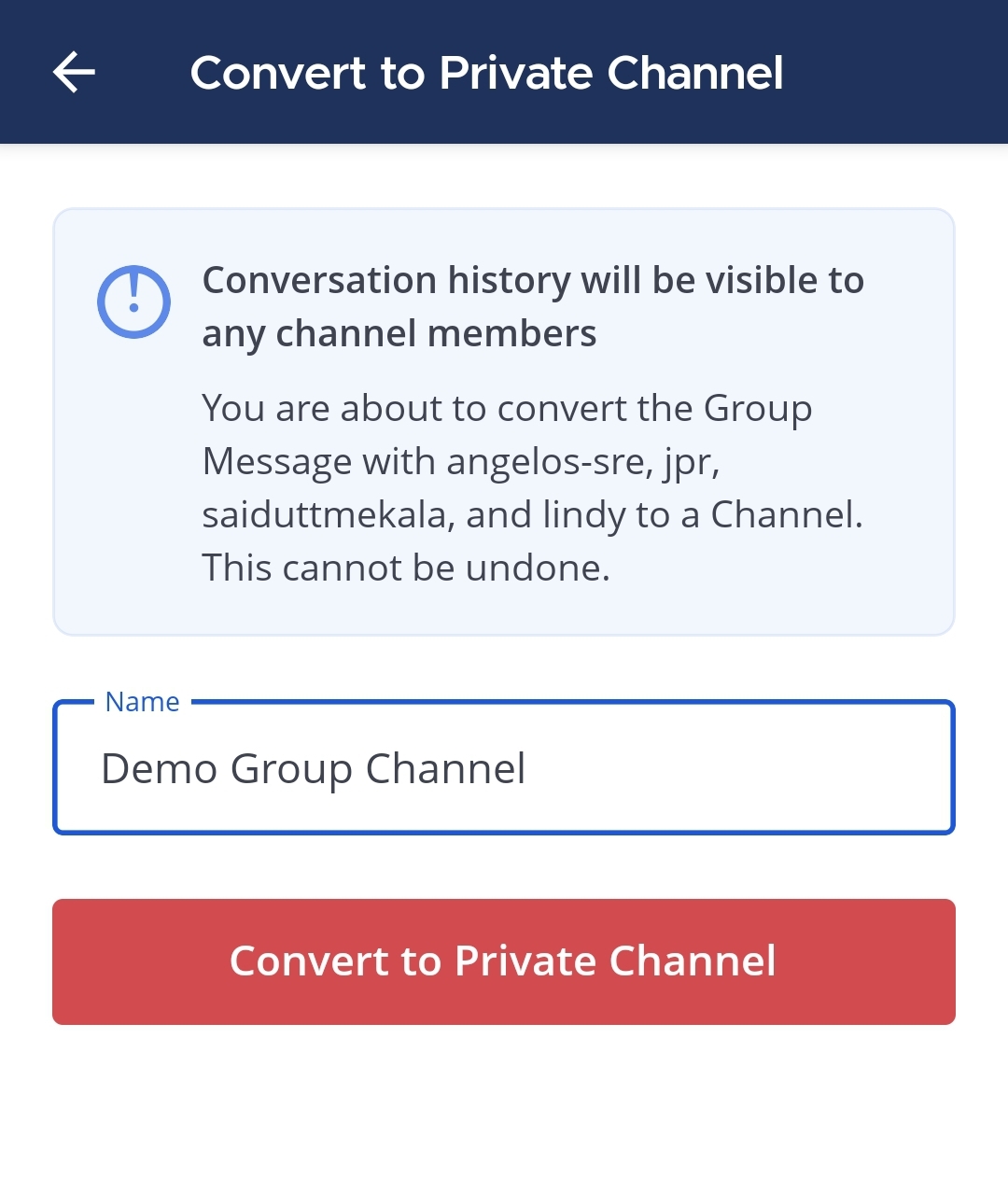
- Tap Convert to Private Channel to confirm.