Archive and unarchive channels
Archive a channel
Delete public channels and private channels when they're no longer needed by archiving them. Archiving channels removes them from the channel sidebar and marks them as read-only. Anyone can archive a public or private channel they're a member of, unless your system admin has disabled your ability to do so.
- Web/Desktop
- Mobile
To archive a channel, select the channel name at the top of the center pane to access the drop-down menu, then select Archive Channel.
To archive a channel:
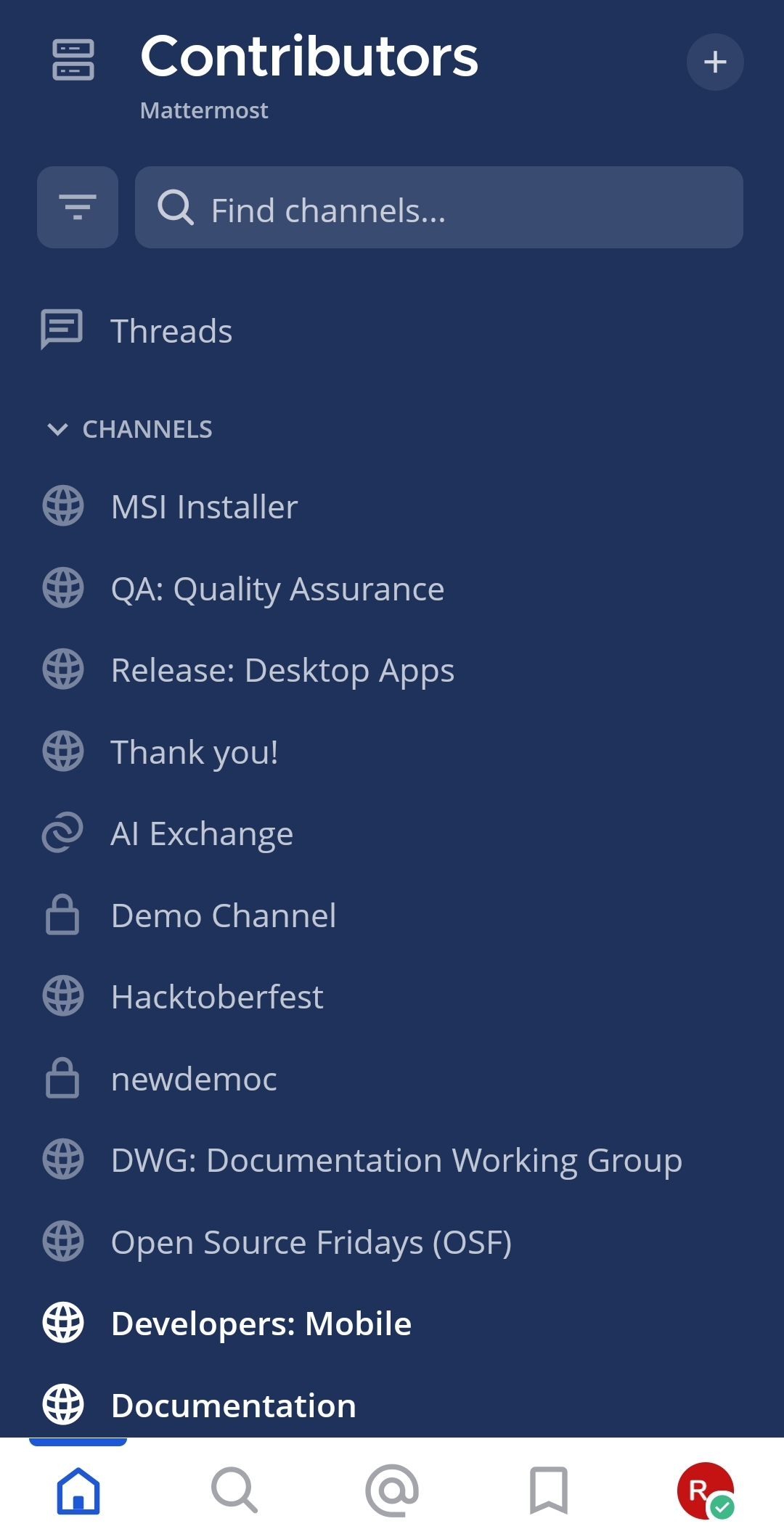
- Tap the channel you want to delete.
- Tap the More
 icon located in the top right corner of the app.
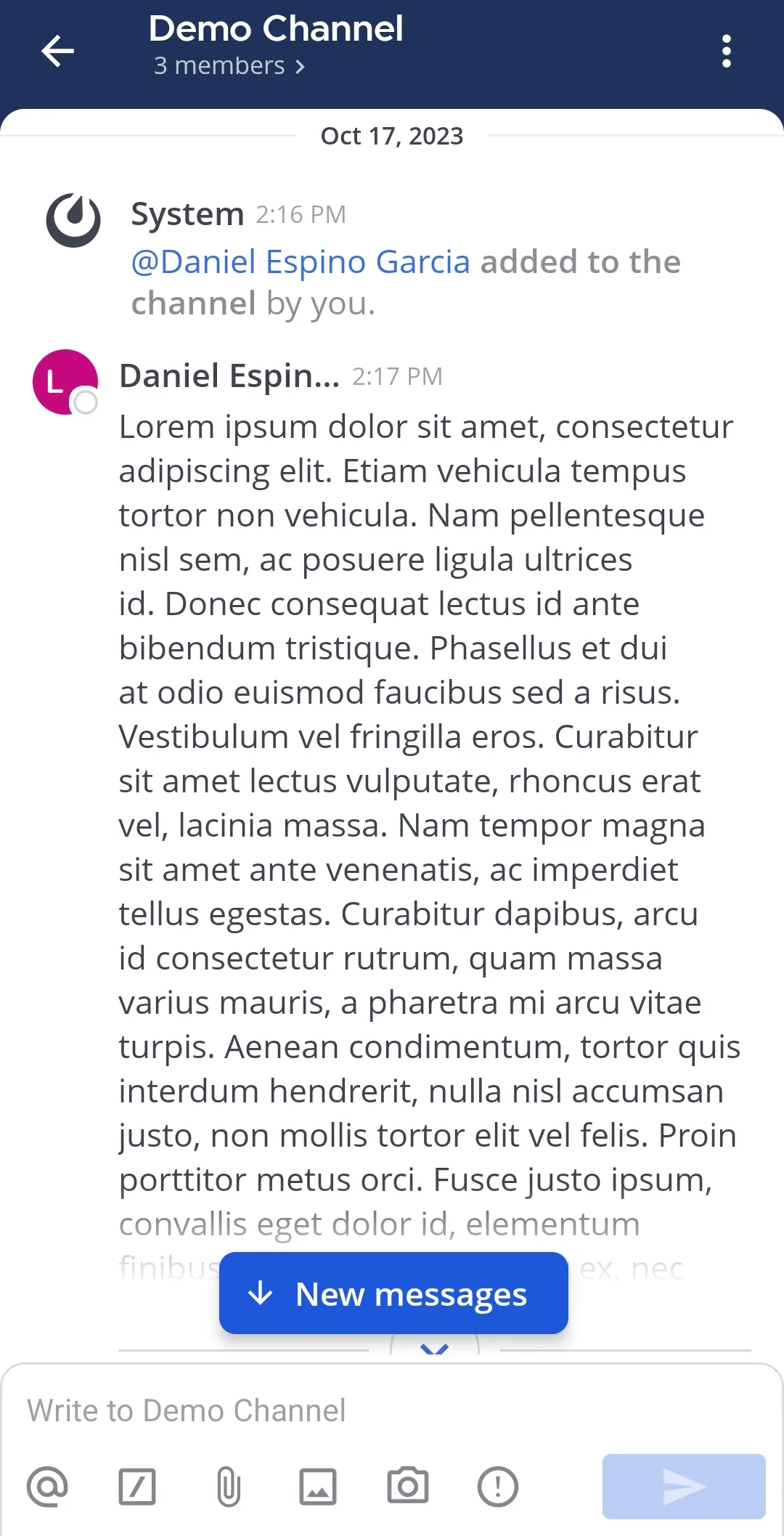
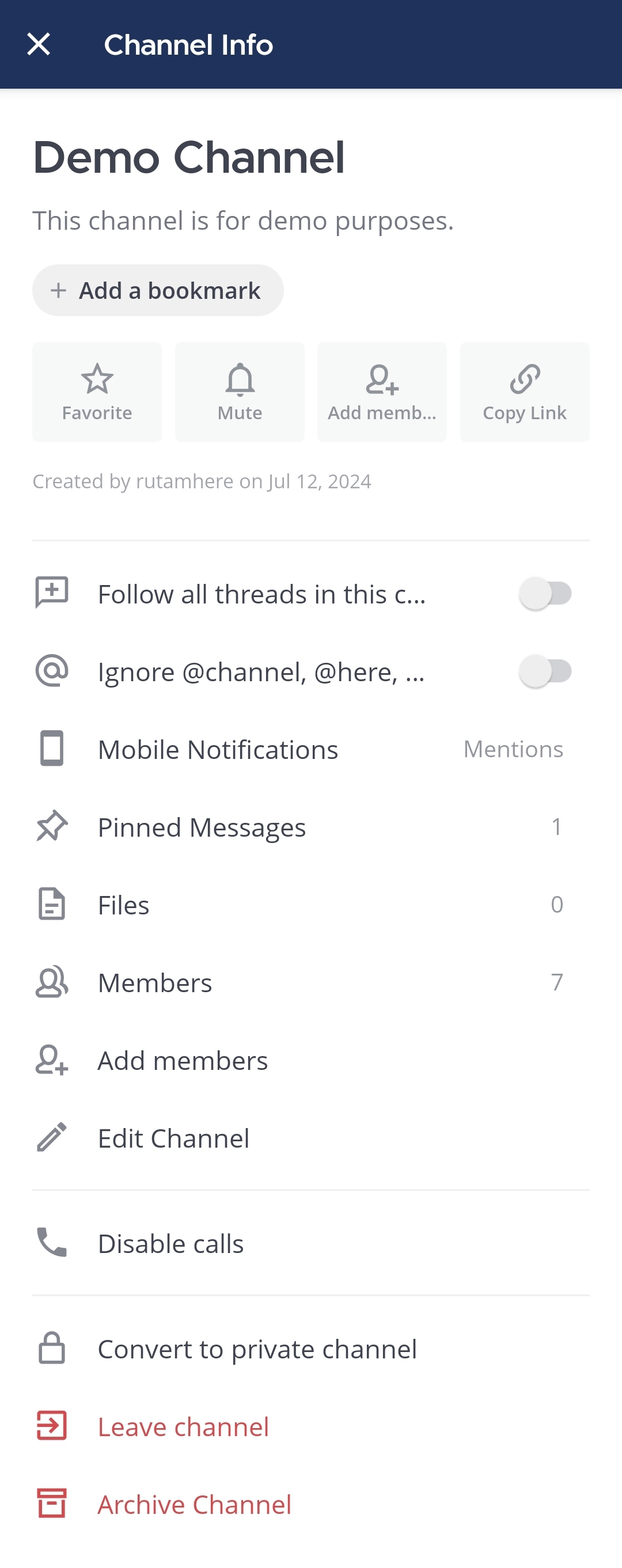
- Tap View info.
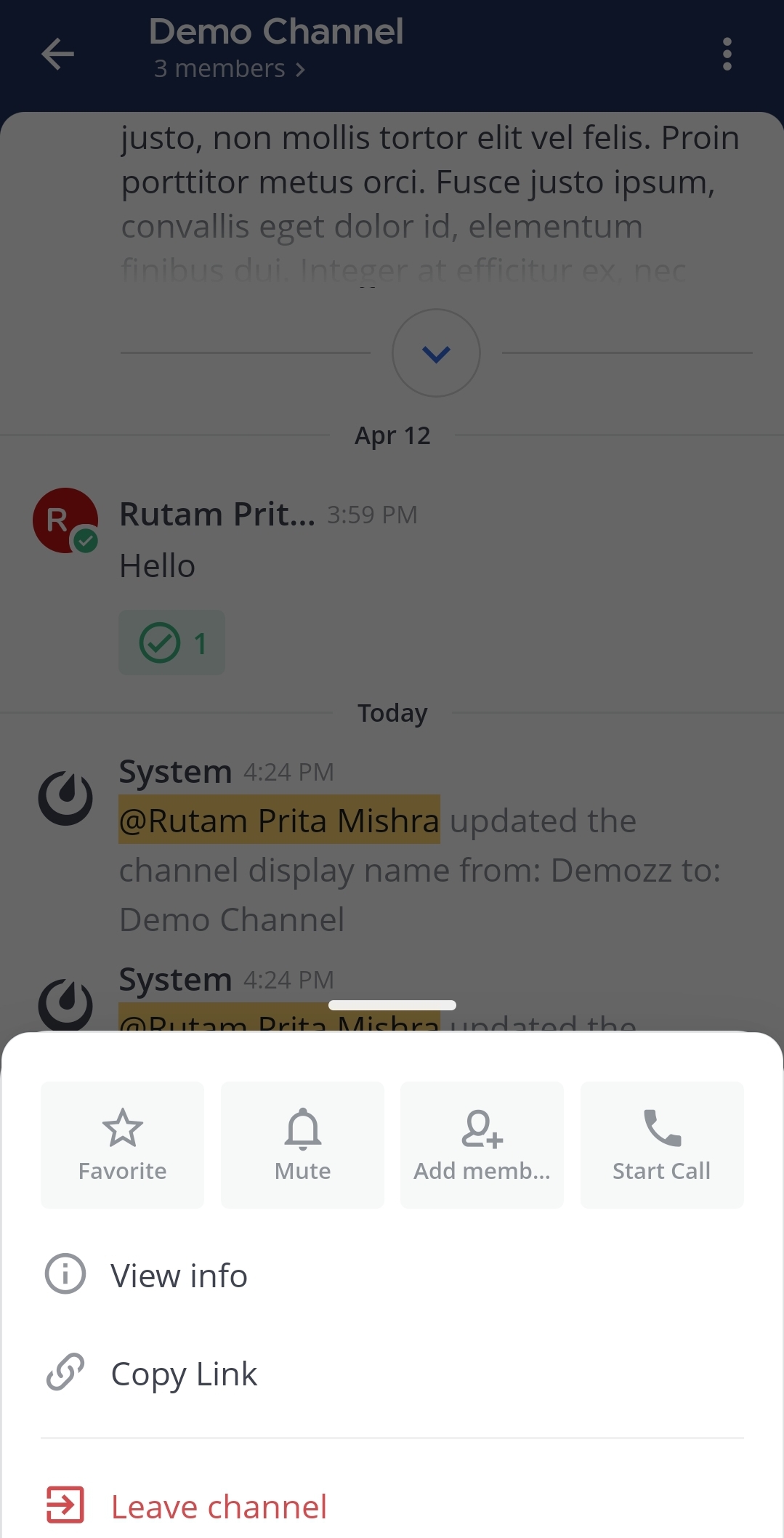
- Tap Archive Channel.
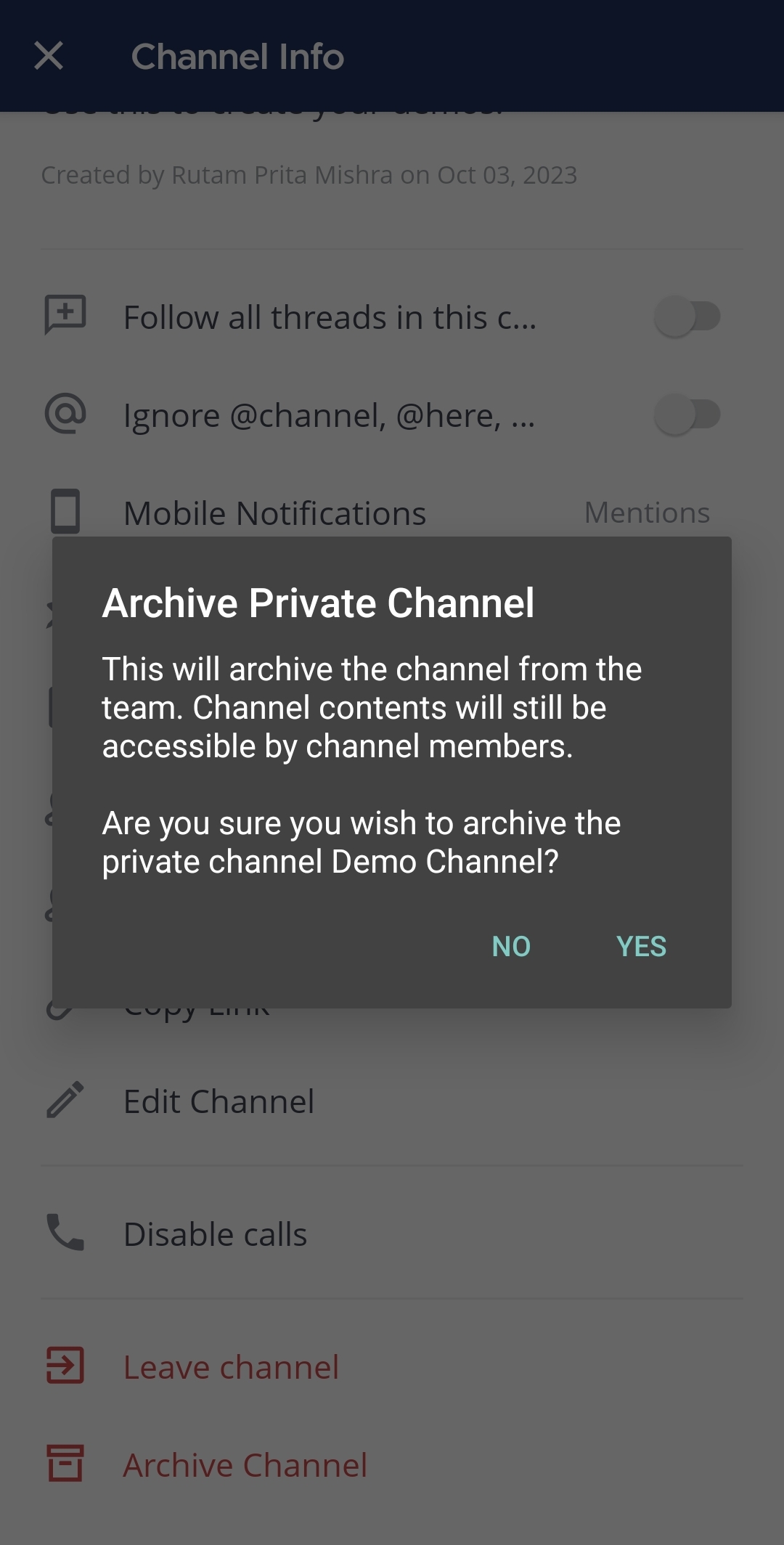
- Tap Yes to confirm.
Unarchive a channel
System admins and Team admins can restore archived channels. When a channel is unarchived, channel membership and all its content is restored, unless messages and files have been deleted based on a data retention policy.
- Web/Desktop
- Mobile
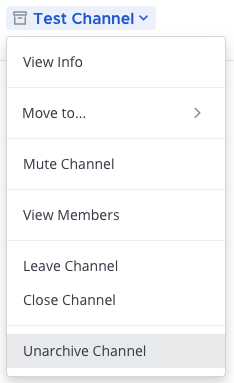
Search for the channel if required. Then, open the channel, select the channel name at the top of the center pane to access the drop-down menu and select Unarchive Channel.
To unarchive a channel:
- Tap the channel you want to unarchive.
- Tap the More icon located in the top right corner of the app.
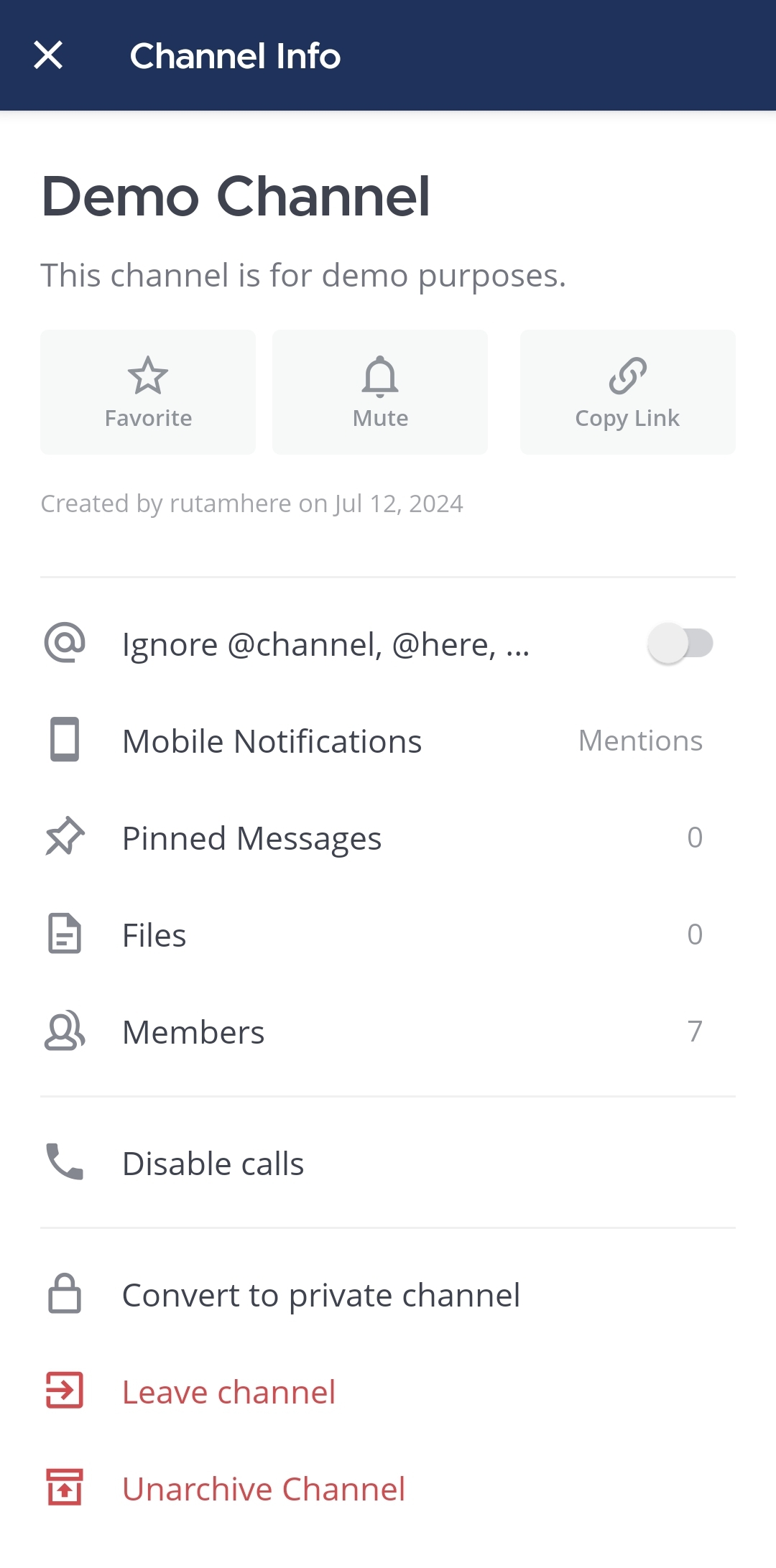
- Tap View info.
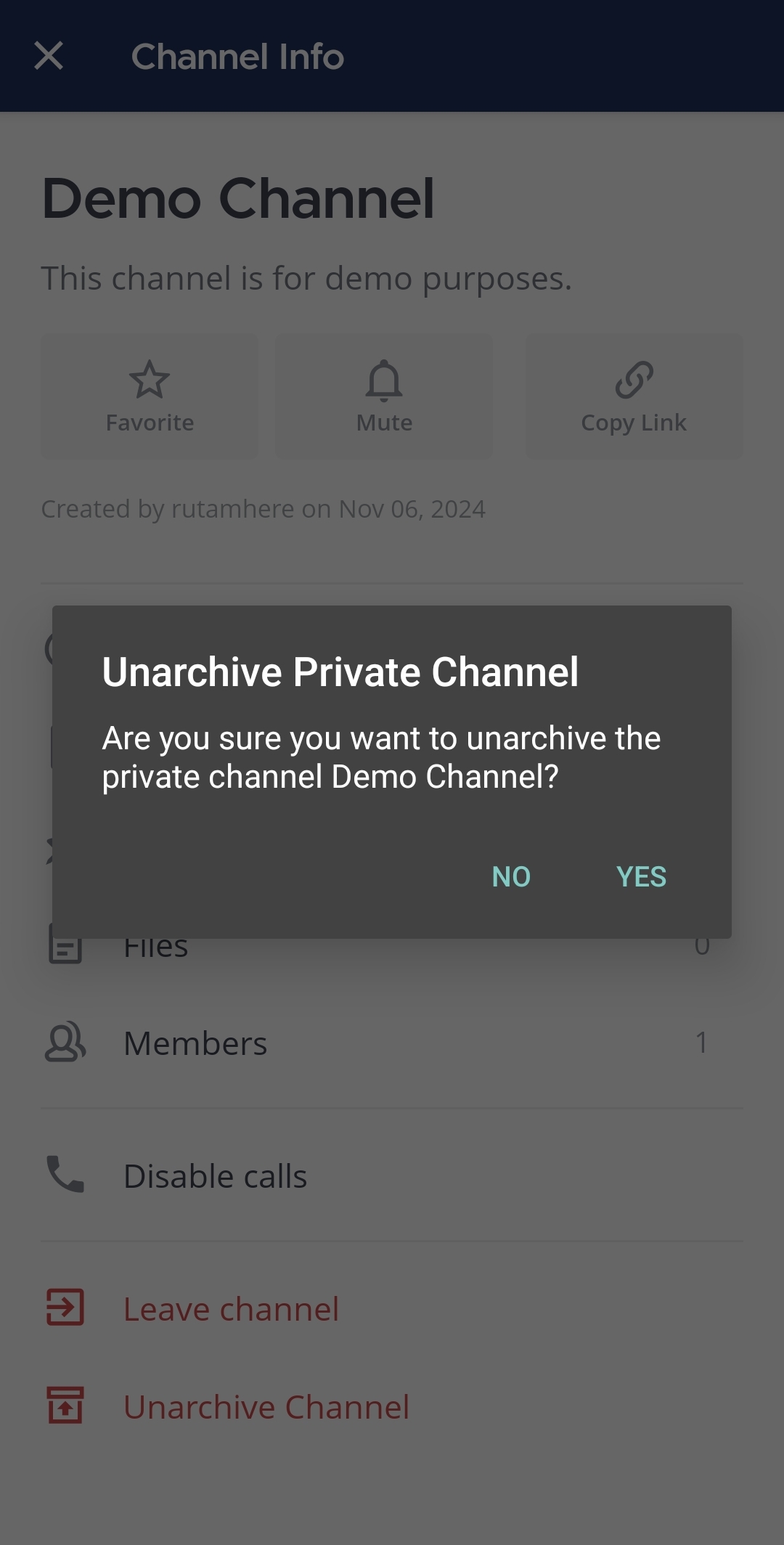
- Tap Unarchive Channel.
- Tap Yes to confirm.