Android push notifications
Push notifications on Android are managed and dispatched using Firebase Cloud Messaging (FCM)
-
Create a Firebase project within the Firebase Console.
-
Click Add Project
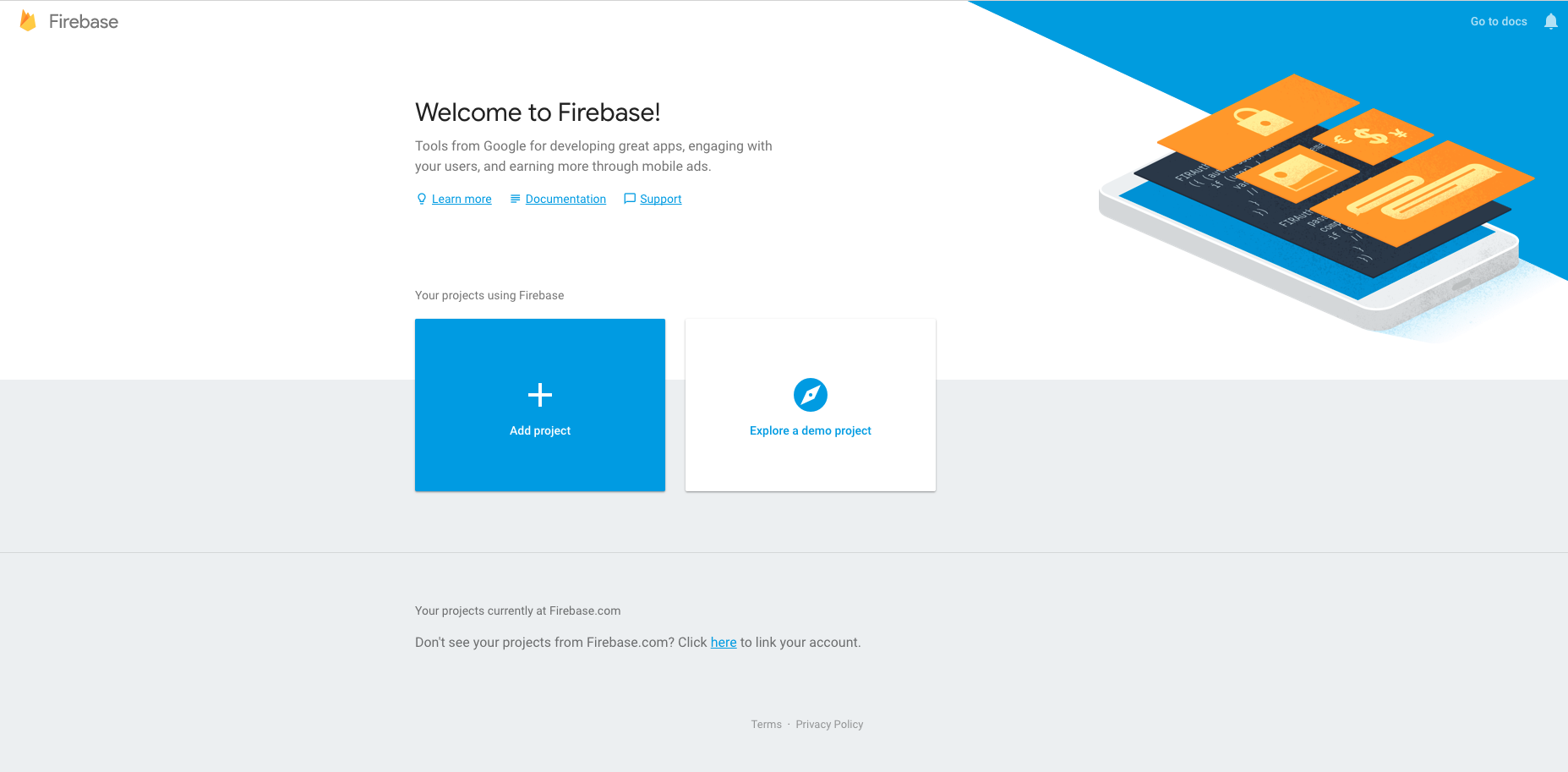
-
Enter the project name, project ID and Country
-
Click CREATE PROJECT
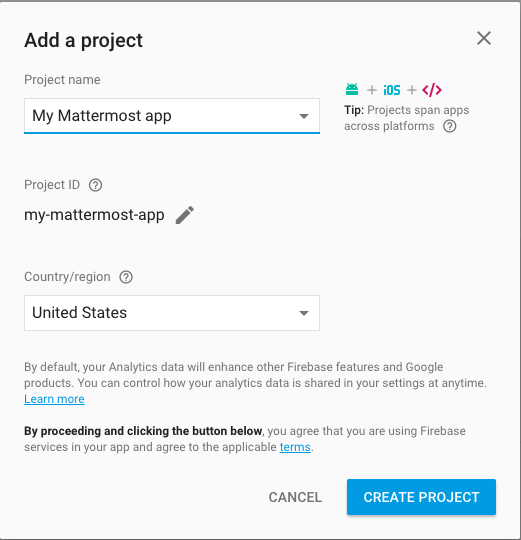
Once the project is created you'll be redirected to the Firebase project dashboard
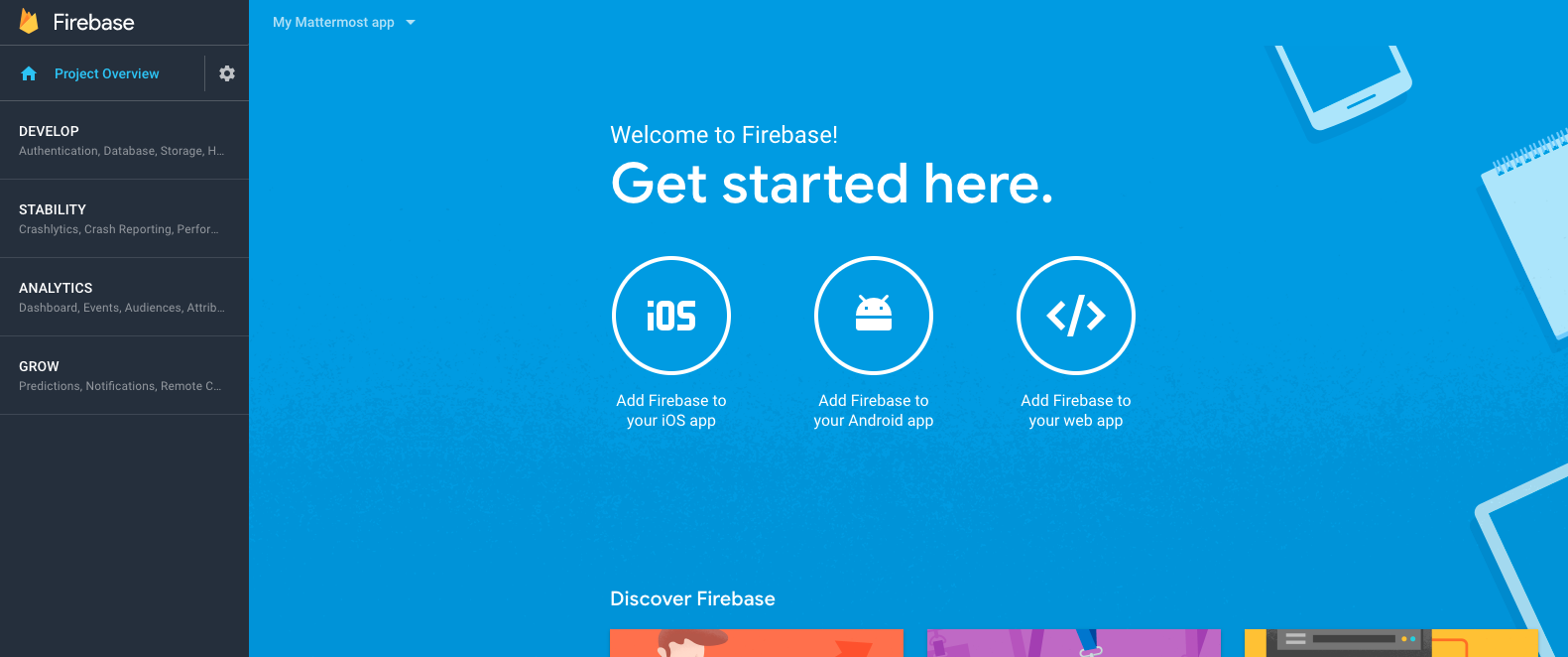
-
Click Add Firebase to your Android App
-
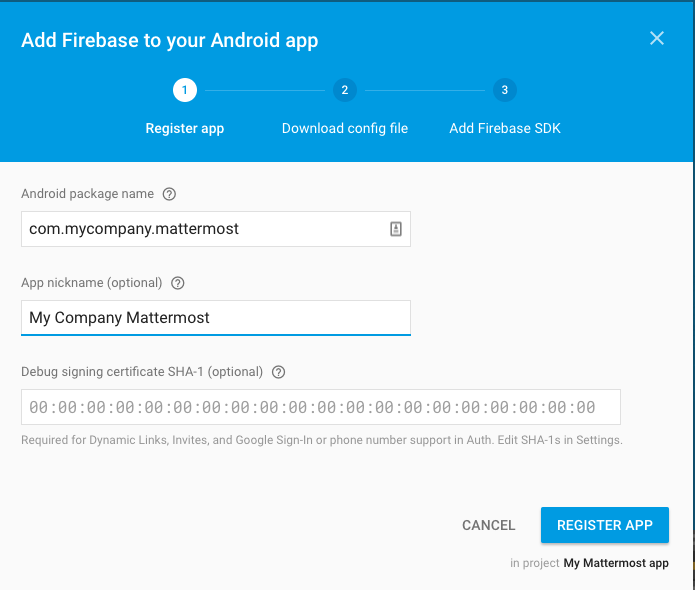
Enter the package ID of your custom Mattermost app as the Android package name.
-
Enter an App nickname so you can identify it with ease
-
Click REGISTER APP
-
Once the app has been registered, download the google-services.json file which will be used later
-
Click CONTINUE and then FINISH
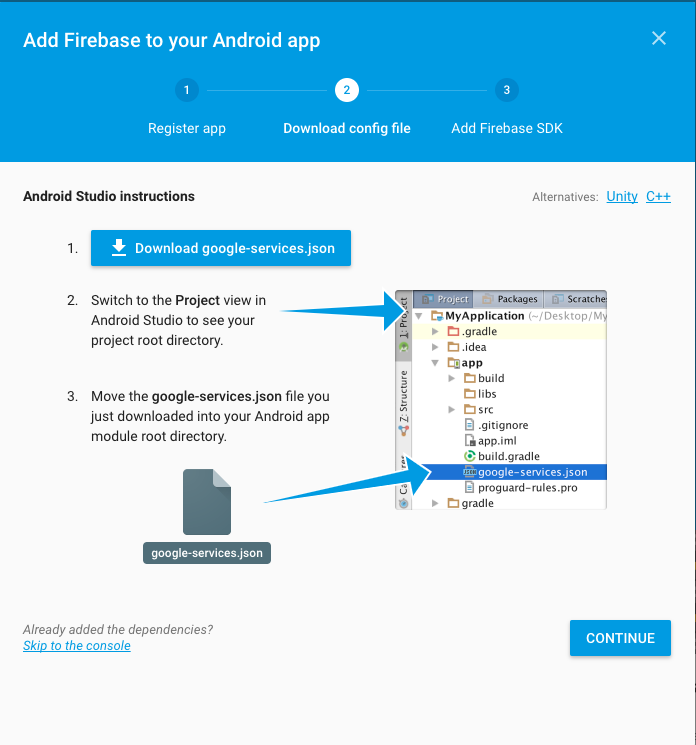
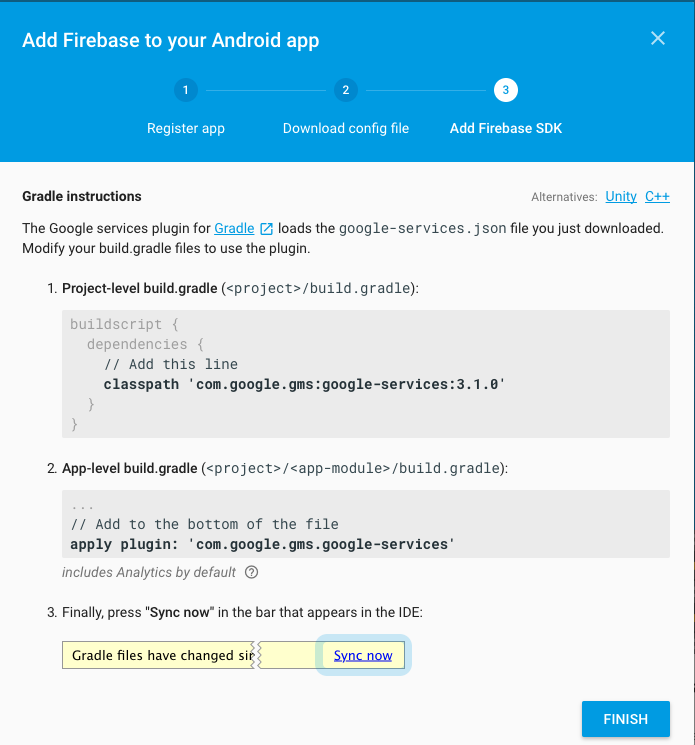
Now that you have created the Firebase project and the app and downloaded the google-services.json file, you need to make some changes in the project.
- Replace
android/app/google-services.jsonwith the one you downloaded earlier
At this point, you can build the Mattermost app for Android and setup the Mattermost Push Notification Service.