System-wide notifications
System admins can configure system-wide notifications visibile in all channels for all users across all teams.
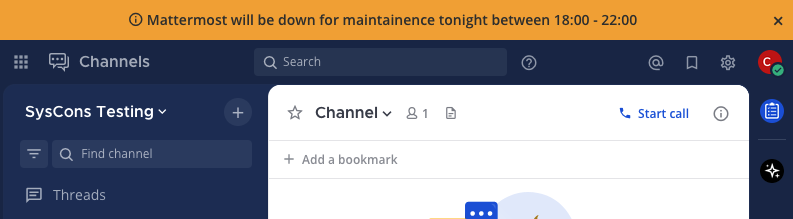
- Enable system-wide notifications by going to System Console > Site Configuration > System-wide notifications, and setting Enable system-wide notifications to true.
- In the Banner Text field, enter the notification text you want to share in channels.
- Specify the background and text colors for the banner.
- By default, users can dismiss the banner until they log in again or until you update the banner. To prevent users from dismissing the banner, set Allow Banner Dismissal to false.
- Select Save.
Update the banner by either changing the text of the banner or by re-enabling the banner after it's been disabled.
To disable the banner, set Enable Announcement Banner to false.